The wired vs wireless intraoral scanner decision starts with your working day. A scanner used at one chair has different practical demands from a device shared between several treatment rooms. Connection type alone does not establish clinical accuracy or value. Compare the complete scanning setup, including the operator, computer, software and laboratory handover. Here are seven checks to make a demonstration useful for your own clinic rather than simply impressive on screen.
Wired vs wireless intraoral scanner: start with room use
Check one: map where scanning actually happens. Will the device remain in one surgery, travel on a cart or move between floors? Note the available desk space and power outlets. A cable can be straightforward in a dedicated setup, provided it is routed safely. Wireless handling can make movement easier, but you still need a practical place for the computer, receiver and charging equipment. Ask your assistant to walk through the same route during the demonstration.
2. Compare handling with the whole team
Pick up both shortlisted devices and practise on a demonstration model. Compare grip, button access, tip access and how comfortably the assistant can pass the device. Handpiece weight is one input, not a complete ergonomics assessment. Cable drag, battery placement and your working posture can change the experience. Include the clinicians who will use the scanner most often instead of leaving the purchase decision entirely to someone who will not scan.
3–4. Test the connection and power routine
For a wired unit, check the required ports, cable reach and replacement arrangements. For a wireless unit, ask how the receiver is positioned and how charging fits between sessions. Run the demonstration in the intended room when possible. Include interruption recovery: what happens if a connection is lost or a battery needs attention? Do not infer a guaranteed number of patient cases from an advertised battery duration, because actual use and standby behaviour differ.
5. Include computer and software requirements
Request the current supported computer specification for the exact scanner and software version. A wireless handpiece still depends on a suitable computing and connection environment. Check ports, operating system, graphics requirements and whether the quoted computer is included. Ask the supplier to demonstrate acquisition, processing and export on the proposed configuration. A smooth rotating model on a sales laptop does not prove that an older clinic computer will deliver the same experience.
6. Verify the laboratory handover
Connection type does not solve compatibility by itself. Ask your laboratory to open a demonstration case exported from the proposed system. Agree which files, bite information, prescription details and photographs are required for your intended work. Record who checks completeness before submission. If either scanner needs a different transfer process, include the staff time and any software or service fees in your comparison. This test should happen before your clinic depends on the workflow.
7. Compare Futuremirates options without assuming a winner
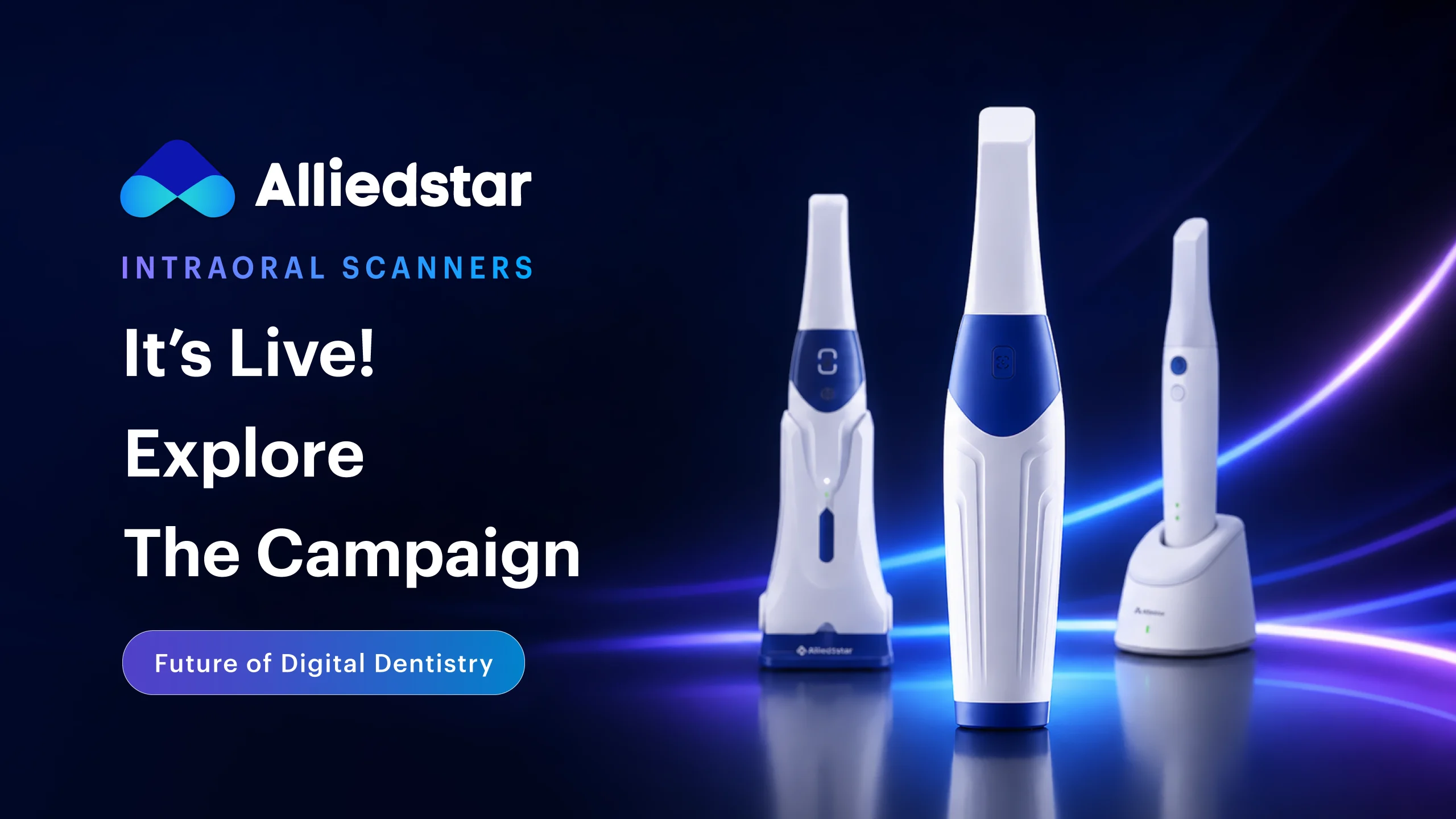
Futuremirates lists the AlliedStar AS260 with a single-cable connection and a 175 g handpiece. Its Sensa listing describes a wireless scanner weighing 230 g, with a stated continuous scanning battery duration of three hours. These are published specifications, not a head-to-head clinical test. Verify the supplied configuration and current terms when requesting a quotation. Choose between them using handling, room use, computer compatibility and the service package rather than a single specification.
Practical wired vs wireless intraoral scanner comparison
| Your situation | What to test |
|---|---|
| Dedicated scanning room | Cable reach, ports and workstation placement |
| Several treatment rooms | Transport, receiver placement and charging |
| Multiple operators | Grip, buttons and repeatable handover |
| Existing laboratory partner | Successful export and file acceptance |
| Budget comparison | Computer, accessories, fees and support |
Wired vs wireless intraoral scanner: common questions
Is wireless automatically more accurate?
No. Wireless describes the connection. Evaluate evidence and performance for the actual model, software version, application and scanning conditions.
Can I share one scanner across rooms?
Potentially, but confirm the manufacturer’s workflow, computer and receiver arrangement, transport and reprocessing requirements before buying.
What is a useful demo request?
Ask to compare a complete demonstration case, including processing and export, on the configuration you intend to purchase.
Explore relevant equipment and guides
Continue planning with our Dental Equipment Quotation: 9 Essential Checks.
Discuss your requirements with Futuremirates
Ask Futuremirates for a wired vs wireless intraoral scanner demonstration based on your room layout, intended cases and current computer. Request a complete package comparison before selecting a model.
Contact the Futuremirates team in Dubai with your intended workflow and equipment requirements.
Sources and scope
This is a procurement and workflow guide. Confirm the exact supplied configuration, current manufacturer instructions, clinical suitability and applicable local requirements before use.