Intraoral scanner calibration is one of the first things to ask about when comparing scanners for a dental clinic. Find out whether your team needs to calibrate the exact model, then test the entire workflow from scan capture to lab handoff.
1. Confirm intraoral scanner calibration requirements
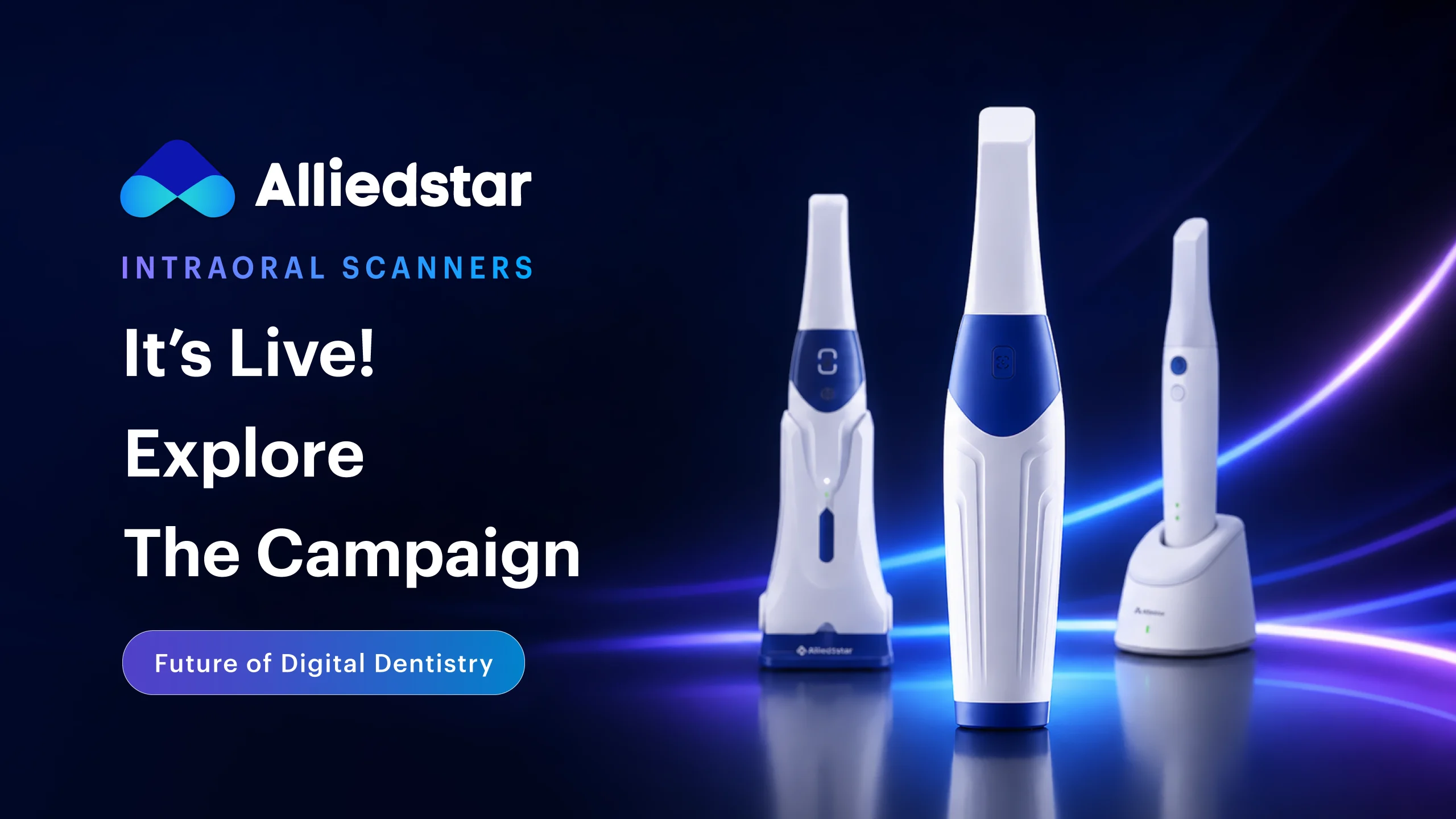
Ask the supplier to show the manufacturer’s instructions. If the model requires user calibration, find out when to do it, who can perform it, and whether the tool is included. Alliedstar describes the AS260 as calibration-free. For this model, use the demo to review routine care, scanner tip handling, and scan review.
2. Test a case your clinic sees regularly
Use a representative demo model, such as a single crown or a complete arch, depending on your work. Research on complete-arch scanning reports differences across scanners and clinical scenarios. Ask what was scanned and how accuracy was measured before comparing figures.
3. Measure time from scan to lab handoff
Ask a team member to run the demo. Include scan review, correction of a missed area, and export in the timing. Ask the supplier to demonstrate the recommended scanning strategy and show how a missed area can be corrected.
4. Verify compatibility with your dental lab
Ask which file formats are supported and which export features require a paid license. Send a sample case to your lab and have them open it in their existing software. Confirm that they receive the arches, bite record, and any other data needed for the case.
5. Check setup and daily maintenance
Alongside intraoral scanner calibration, confirm the workstation requirements, included accessories, and availability of replacement tips. Ask for the manufacturer’s instructions for routine care. If scan quality changes, follow the device instructions and check the tip and scanning technique. A review of operator factors explains how scanning strategy and other variables can influence accuracy.
6. Compare training, warranty, and local support
Ask who trains your team, what the training covers, and how to submit a service request. Get warranty coverage and exclusions in writing. Ask where repairs are carried out and what options are available if the scanner is temporarily out of service.
7. Compare the total cost before requesting a quote
Ask for an itemized quote that separates the scanner, workstation, software, replacement tips, and service. Compare the same scope across suppliers. Use your team’s demo results and the lab’s feedback to judge which package fits your clinic.
Record what your team learns in the demo
Use the same worksheet for each scanner. Record the model, software version, case type, and the person who performed the scan. Note how long it took to prepare the workstation, review the scan, make corrections, and send the files. Ask your lab to write down any missing information or extra conversion steps. Those details make it easier to compare two demos performed on different days.
Include an intraoral scanner calibration field on the worksheet. Record whether the manufacturer requires user calibration and where the instructions can be found. Add separate fields for tip care, replacement part availability, and service response. Ask the supplier to confirm any unanswered questions in writing before you compare quotes. This gives your team a written record of intraoral scanner calibration and ongoing support requirements.
Keep the worksheet with the quote so everyone involved in the purchase can see what was tested, what the supplier confirmed, and which questions still need answers.
Questions to ask during the demo
Do all scanners require calibration? Intraoral scanner calibration requirements vary by model. Check the current manufacturer instructions for the exact scanner before adding calibration to your maintenance schedule.
What should we ask the lab to verify? Ask the lab to open a sample case and confirm whether it can proceed with the files as received. Record any extra steps or software requirements before you buy.
Want to compare scanners with your team? Explore Alliedstar scanners and request a Futuremirates demo.